I Coded A New Purchasing System For My Website
I stopped using Fotomoto as my shop, and instead, coded my own and now use Square Up as the payment processing service.
I previously used a payment processing, shop, and print ordering service called Fotomoto to sell prints on my website. Click here for more information on that. It offered a lot of features to make things easier for me, but one of the downfalls of the system was that it costed 22% fees for every transaction, and they had markups on material costs!
So I needed something cheaper and was willing to put in more work to get it.
Now, after months of research and coding, my new purchasing system is in place! Here is my blog post on how to buy prints with the new system.
I’m using a payment processing service called Square Up (or commonly known just as Square). They only charge 2.9% + 30 cents per transaction in my online store, which is waaaay better than Fotomoto’s 22% + markup prices! They have even lower fees for selling offline as well. Click here for a list of all their fees.
Before moving on, I’d like to mention that if any of this makes you interested in using Square yourself, then it would be great if you used this affiliate link to sign up:
If you do, we both will get free processing on up to $1000 in sales over the next 180 days on all card transactions.
(I’m looking into whether this can be done multiple times and will update when I get more info)
Okay, back to the post!
While Square is not tailored toward printing services, like Fotomoto is, I think it’s worth the money I would save by handling those extra features myself.
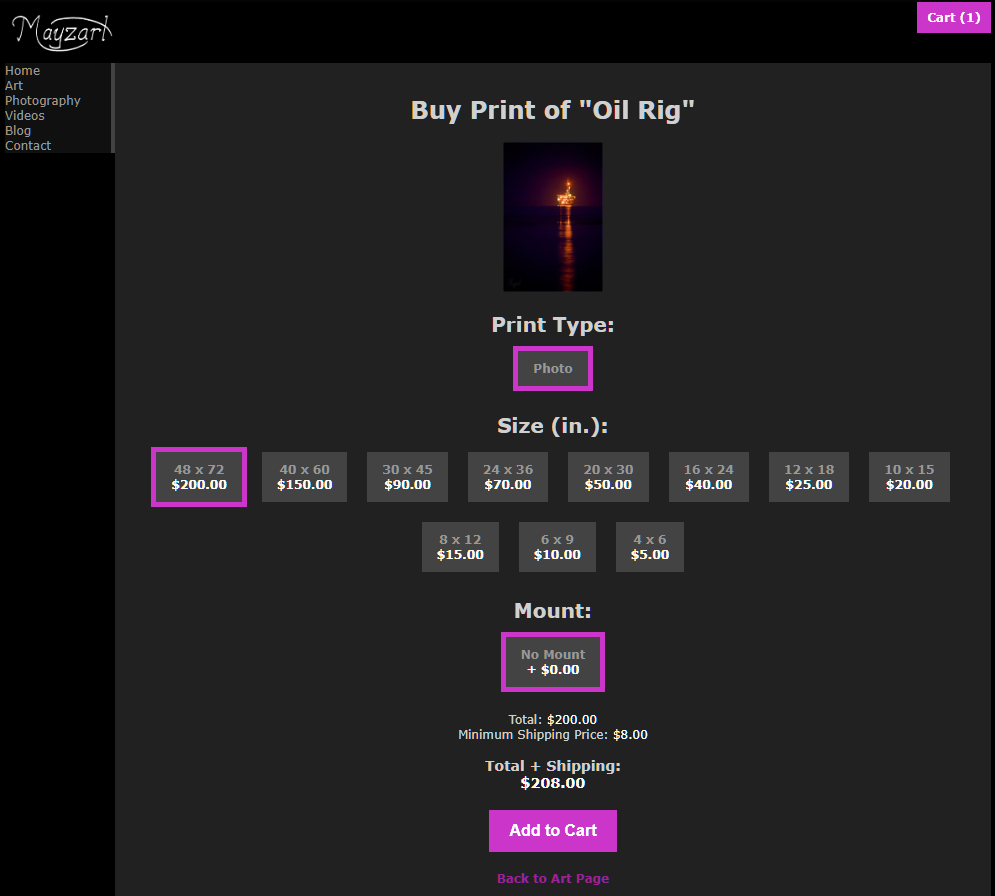
Square offers features like an online store, customer management, invoices, a card magstripe reader for in-person transactions, and more. At the moment, I’m using Square just to process payments because I wanted the online store to be on my website and not on the one they provided. Thankfully, they offer features for web developers to use to call their checkout page, and transaction processes. Because I am a web developer, I coded a shop into my website and it will redirect to their checkout process once customers reach that stage, after which, it will redirect back.
If I ever do sales in-person, I also got a free Magstripe Reader that I can use on my phone to process card payments.
So, after deciding on Square, these were the things I had been working on for the past month or so:
- Figuring out which printing service to use to print out my photos.
- Figuring out their printing options (like photos, canvases, metal) and their prices, and deciding which to use.
- Setting prices for what I decided to sell, calculated based on Square payment processing fees and taxes to make sure I make a profit.
- Calculating shipping prices as well.
- Setting up a database of printing options and prices I will offer.
- Coding the shop into my website, and coding the redirect to Square for the payment process.
- Quality assurance testing on my website to make sure everything works and is secure.
And in the end I’m pleased to announce this new method of purchasing prints on my website!
Here is my blog post on how to purchase from my website.